Frame96 — Retro 3D Scene Studio
A downloadable tool for Windows and macOS
SMALL WORLDS. BIG ATMOSPHERE.
Build a scene. Give it a mood. Make it move.
Frame96 is a standalone desktop studio for retro-inspired 3D scenes, short animations and atmospheric renders. Very fast real-time rendering is Frame96's key advantage: preview a scene and refine its look immediately, without waiting through long render cycles. Arrange models, shape terrain, paint surfaces and bring a scene to life with lighting, water, particles and sound — all in one focused editor.
Create a quiet riverside, a foggy ruin or a small world of your own. Build from simple shapes or import your GLB models. No Blender installation or plug-in is needed to run Frame96.
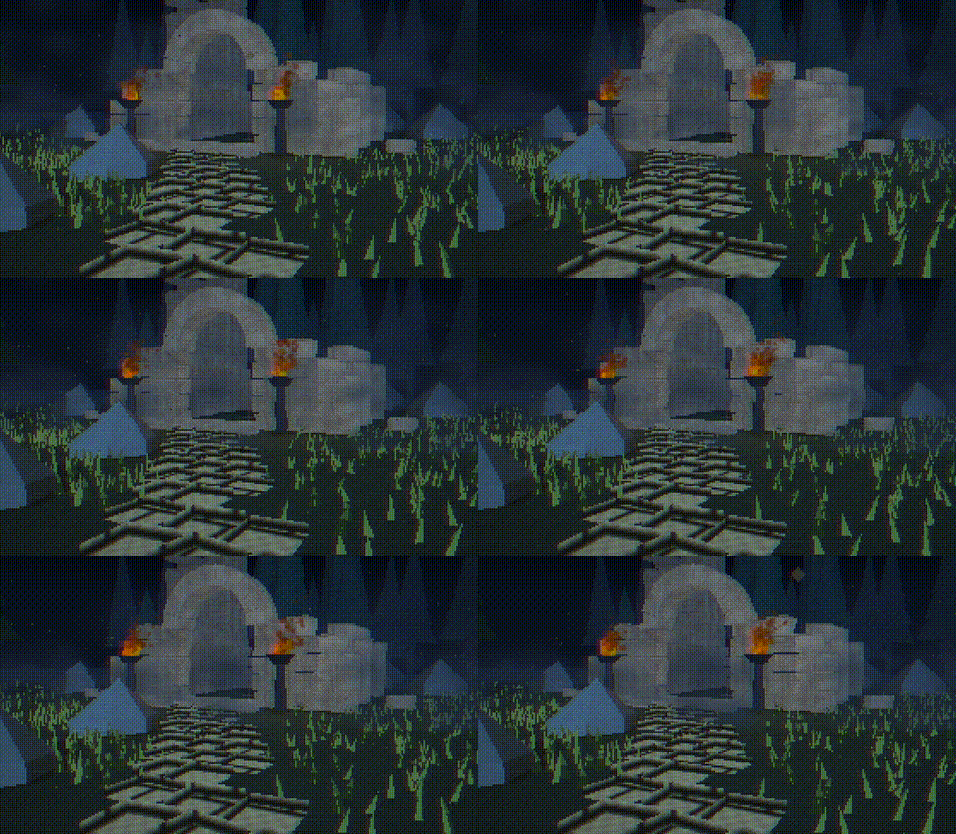
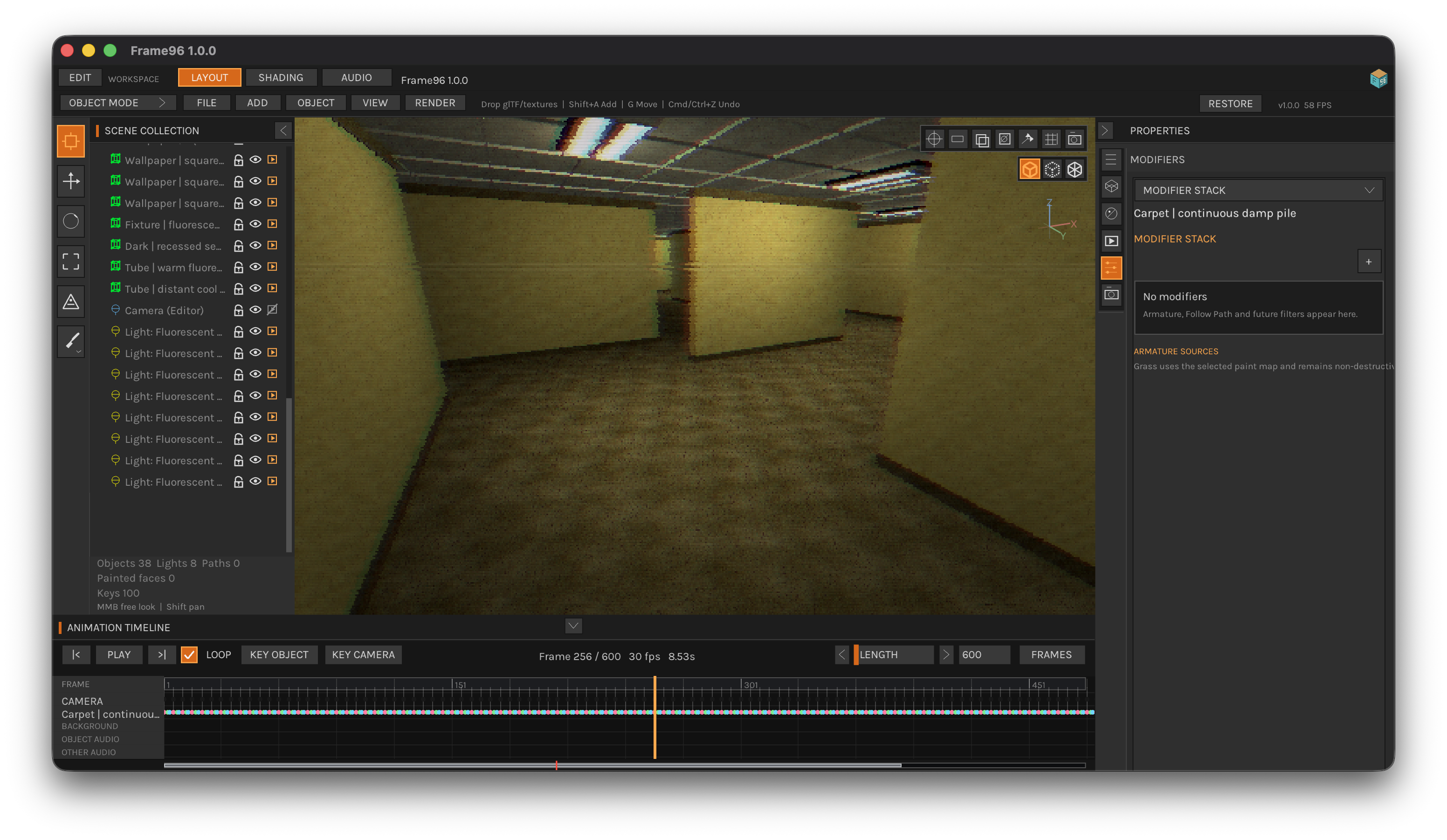
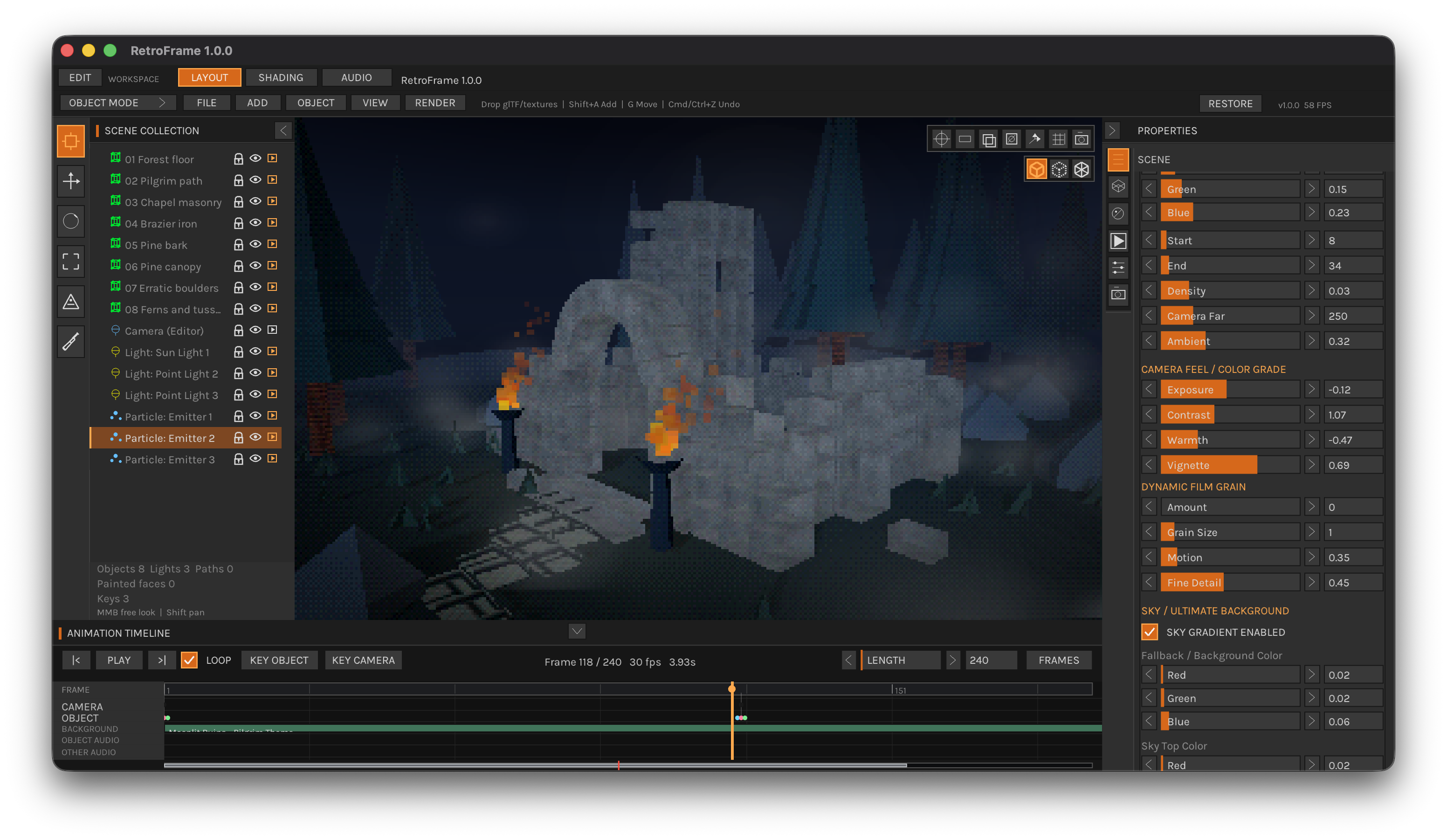
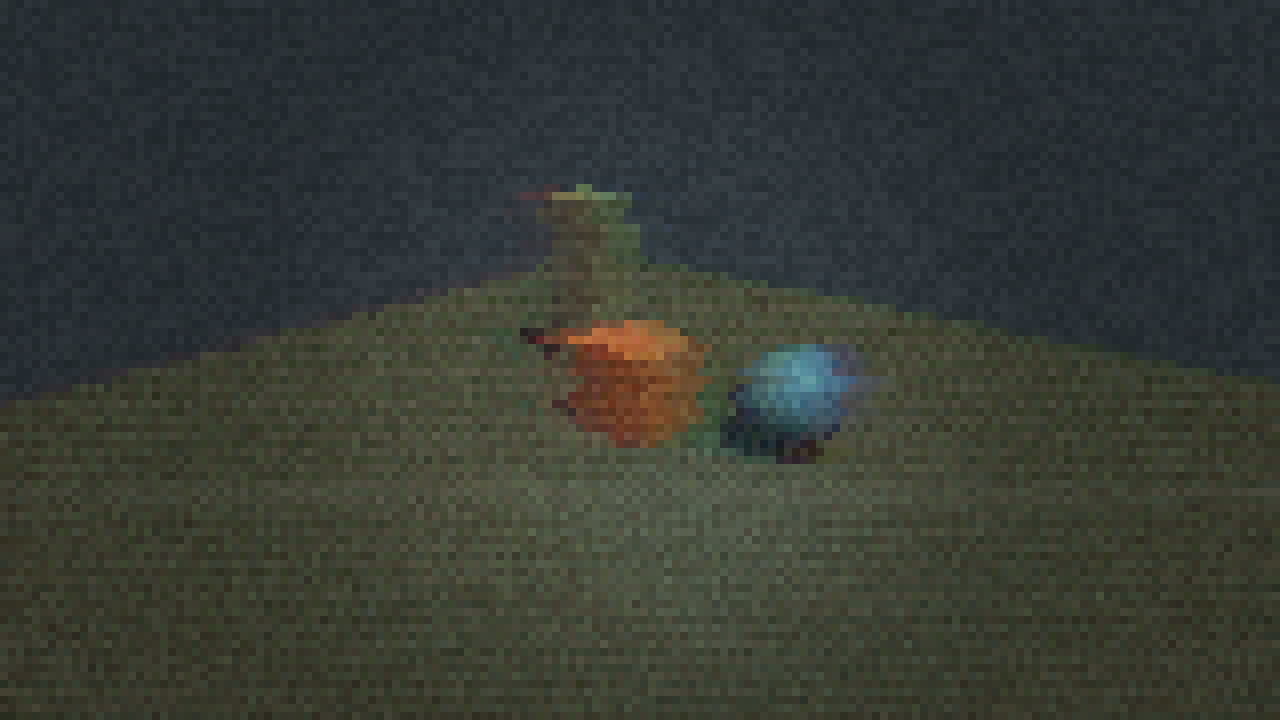
Moonlit Ruins · Fire, drifting fog and scene lighting, rendered in Frame96 Full.
A world worth exploring
Arrange objects and lights in a real-time viewport. Generate Meadow, Hills or Mountains terrain, add low-poly trees, and tune the sky, fog, palette and pixelation to find your scene's character. Stylized water and seven particle presets give you quick ways to add motion and atmosphere.
- Editable scenes: built-in shapes, GLB import, materials, lights and self-contained .sretro projects.
- Atmosphere: water, clouds, fog and retro screen effects.
- Particles: Dust, Smoke, Sparks, Fire, Rain, Fog and Snow in both Demo and Full.
Turn a scene into a shot
Animate objects and cameras with keyframes or Follow Path. Keep the camera aimed with Focus On, add Walk Shake for a handheld feel, and preview your timing on the timeline. In Full, export a still PNG, a numbered PNG sequence or an MP4 video.
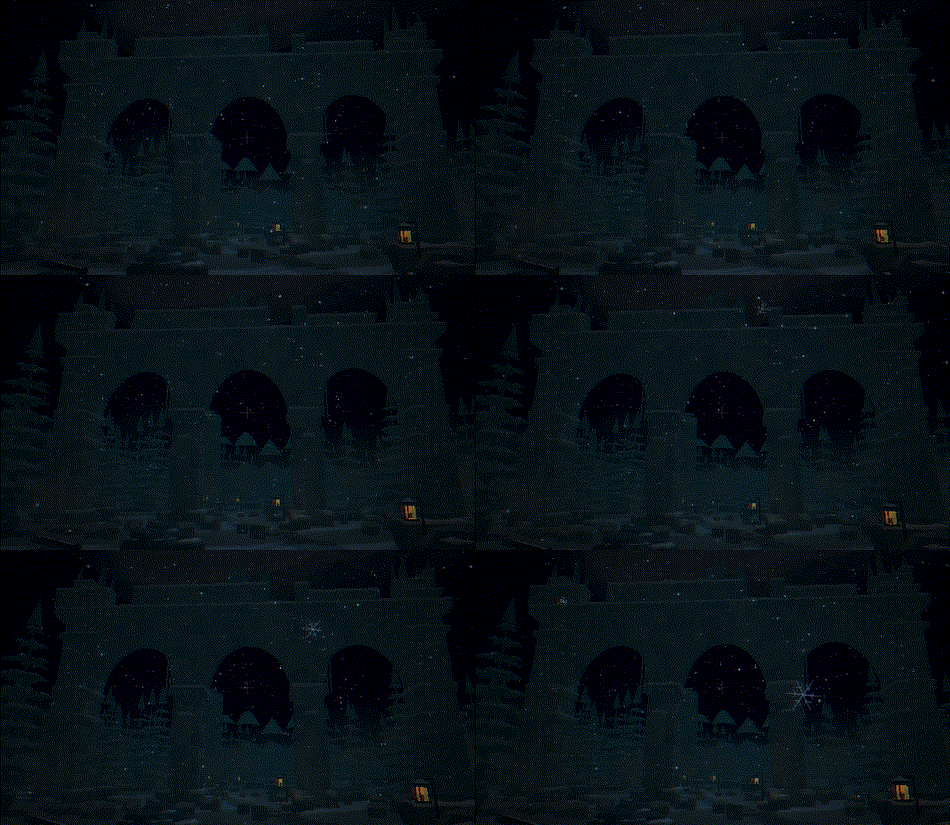
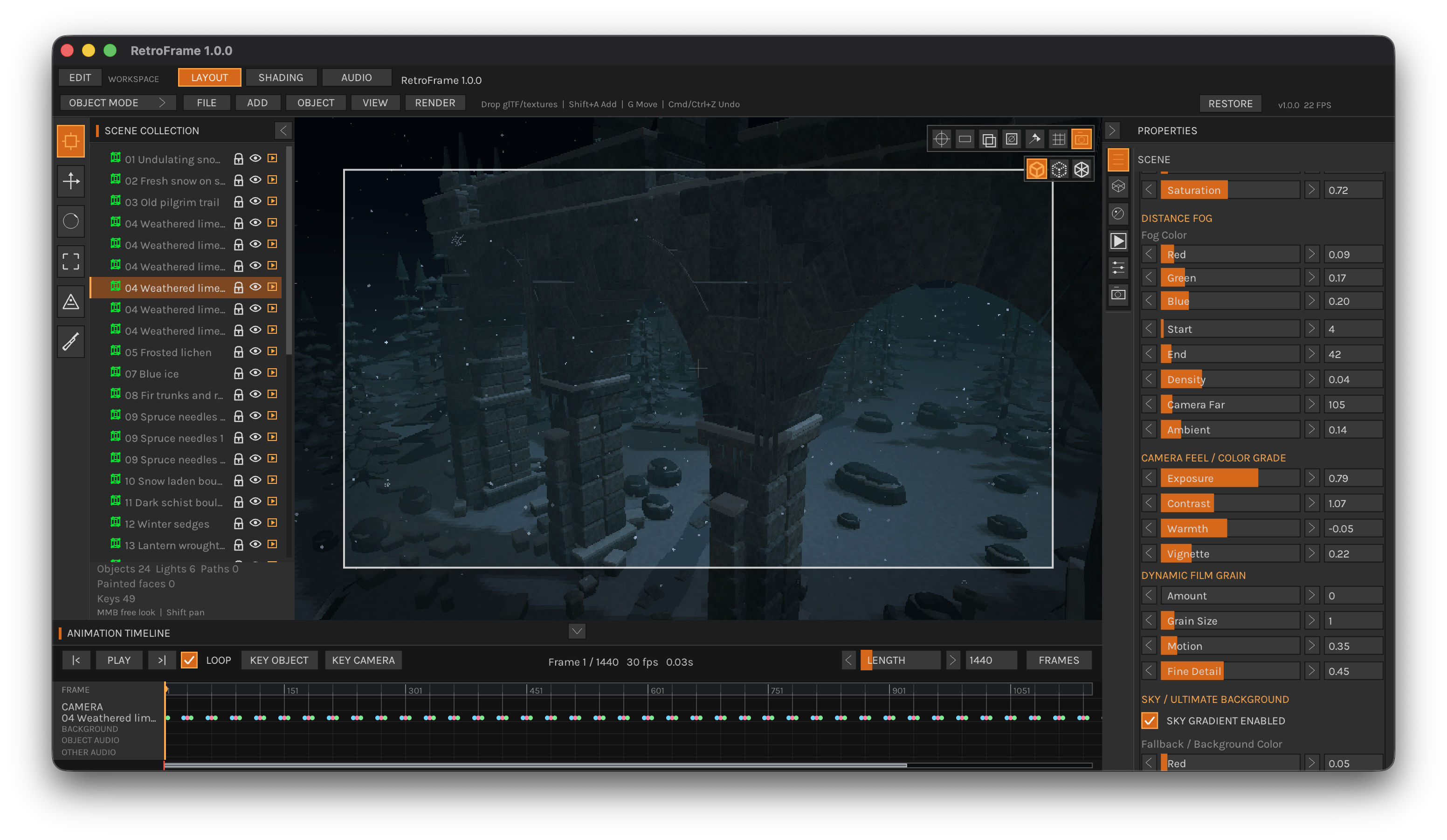
Dark Ruins · A cinematic nighttime scene featuring ancient stone arches, atmospheric lighting and a dark retro aesthetic. Original Full-edition render.
Materials with a personal touch
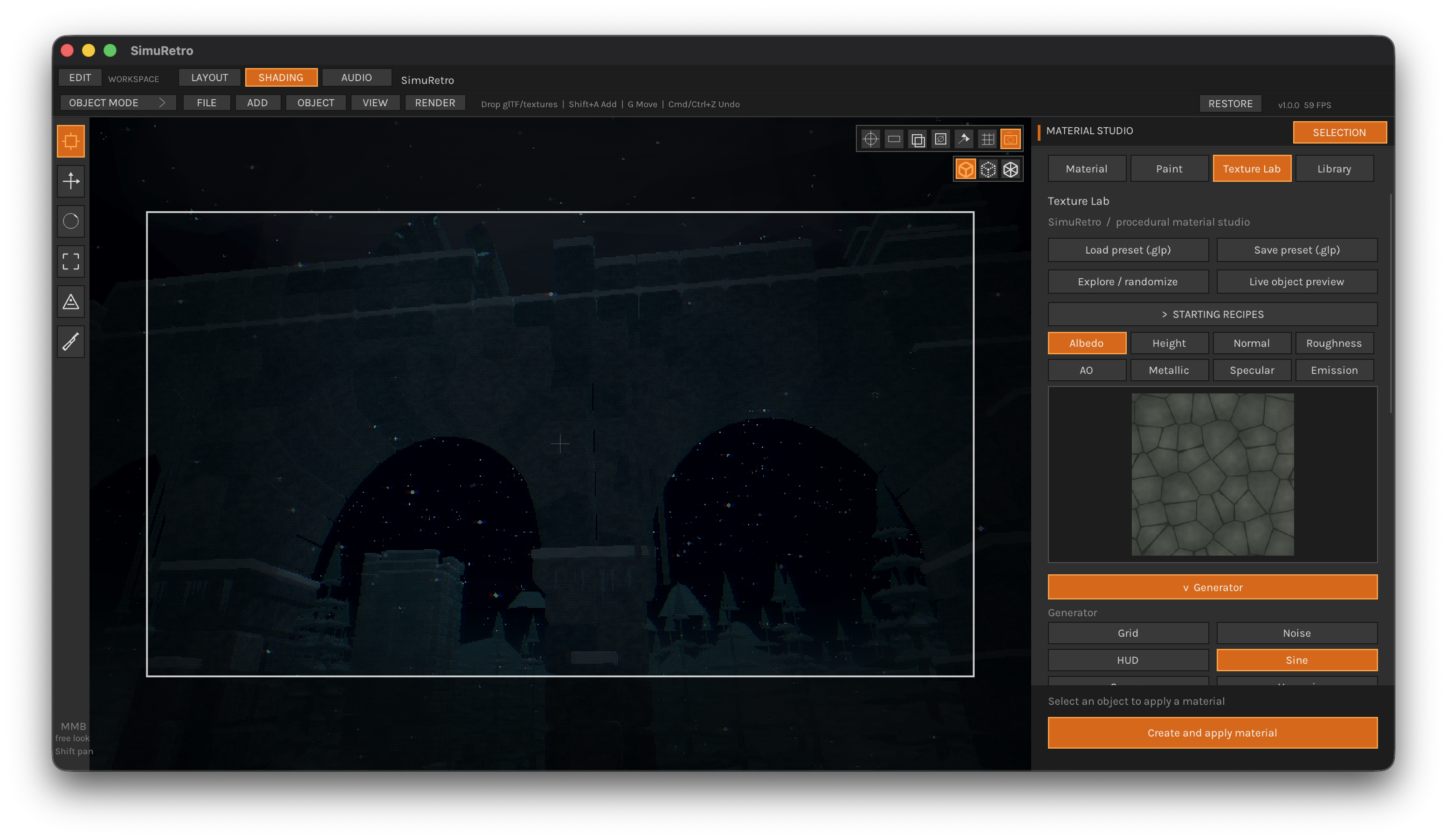
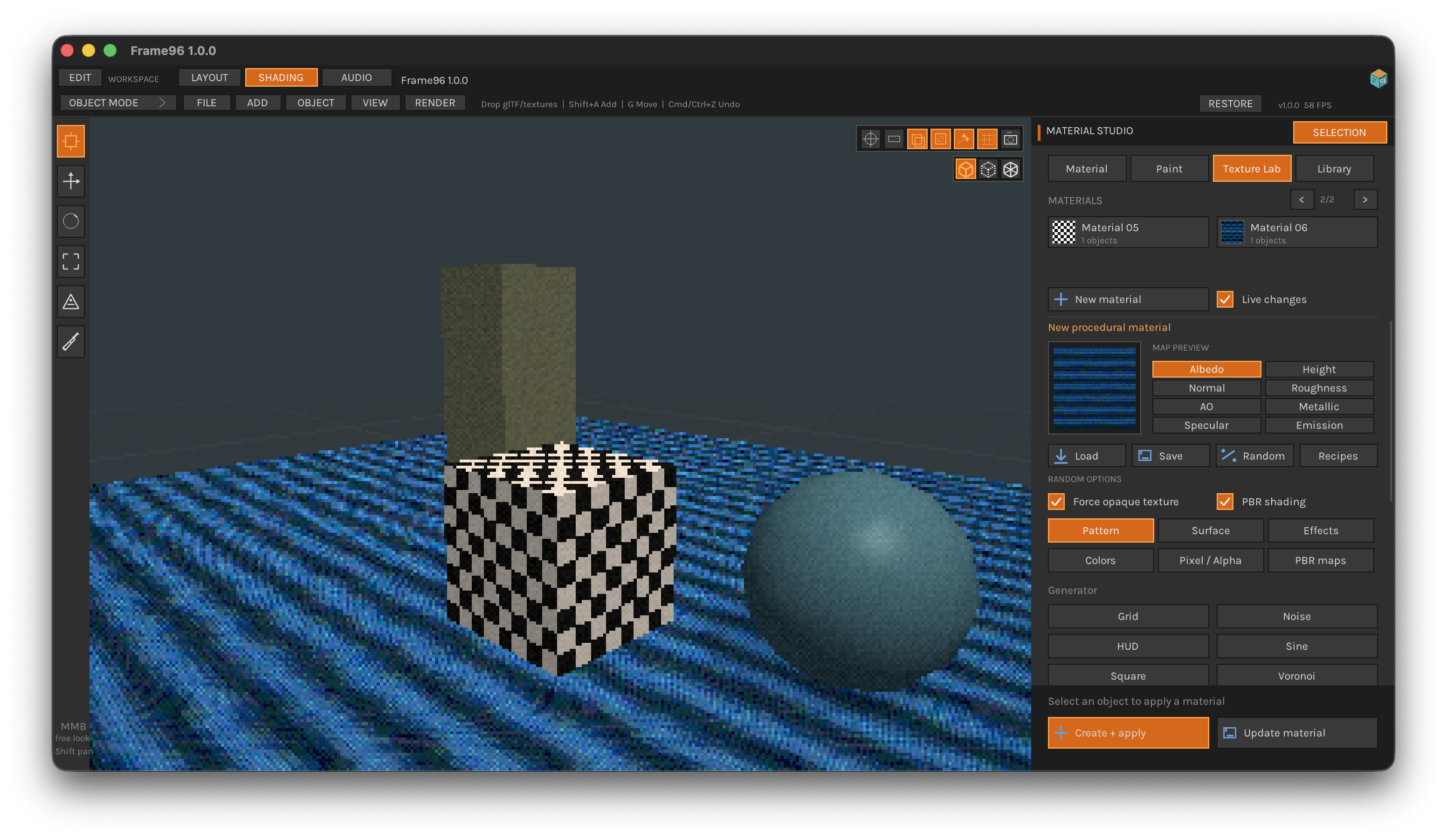
Full includes Texture Lab: eight procedural generators, editable recipes and PBR map export. Preview a material on your object, adjust the pattern and colors, then apply it when you're ready. Save presets and reuse your surfaces across scenes.
With Surface Paint, paint paths and details directly onto a mesh. Work in layers with their own texture tiling, opacity and soft edges. World-space projection keeps textures continuous along your strokes, without requiring a UV layout for the painted detail.
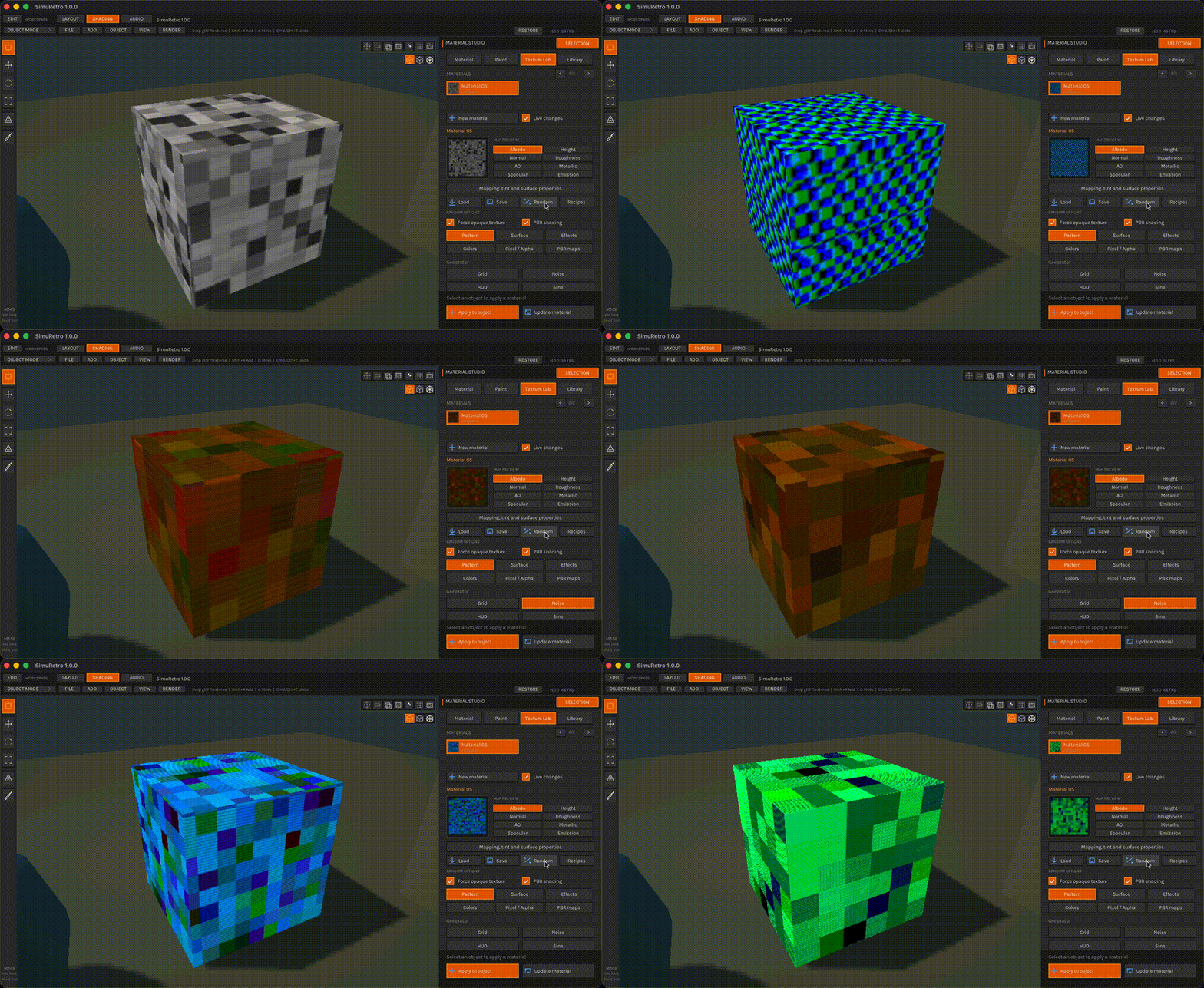
Texture Lab · Randomly generating glitch textures in Frame96 Full.
Build the sound of your scene
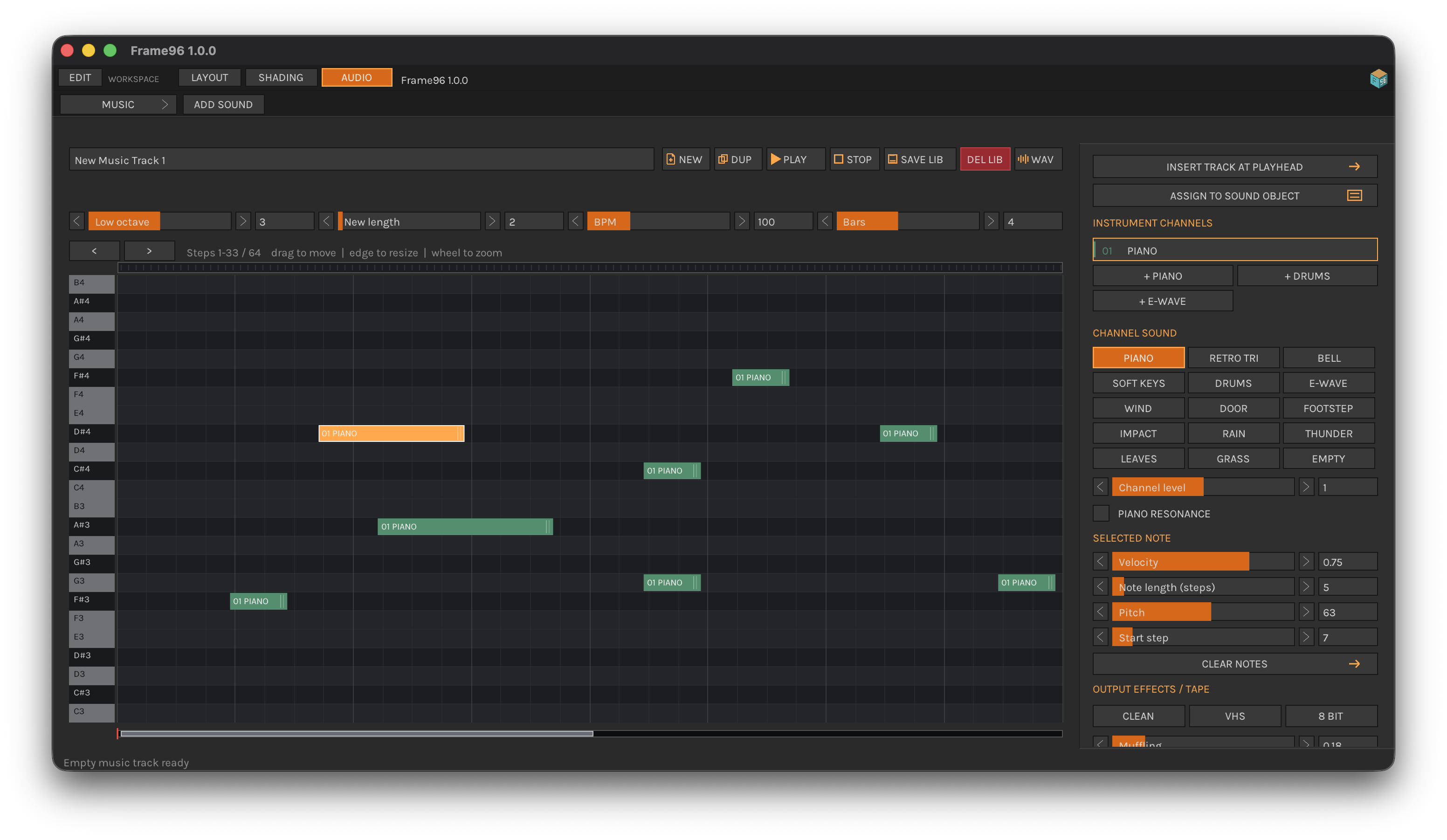
Full's Audio Studio combines procedural sound layers, instruments, a piano roll and a reusable sound library. Arrange music and timeline clips, then attach spatial sound components to scene objects.
Export a camera-based WAV soundtrack for your animation, or include the scene mix in an MP4. Sound position and distance follow the render camera, helping the image and soundtrack work together.
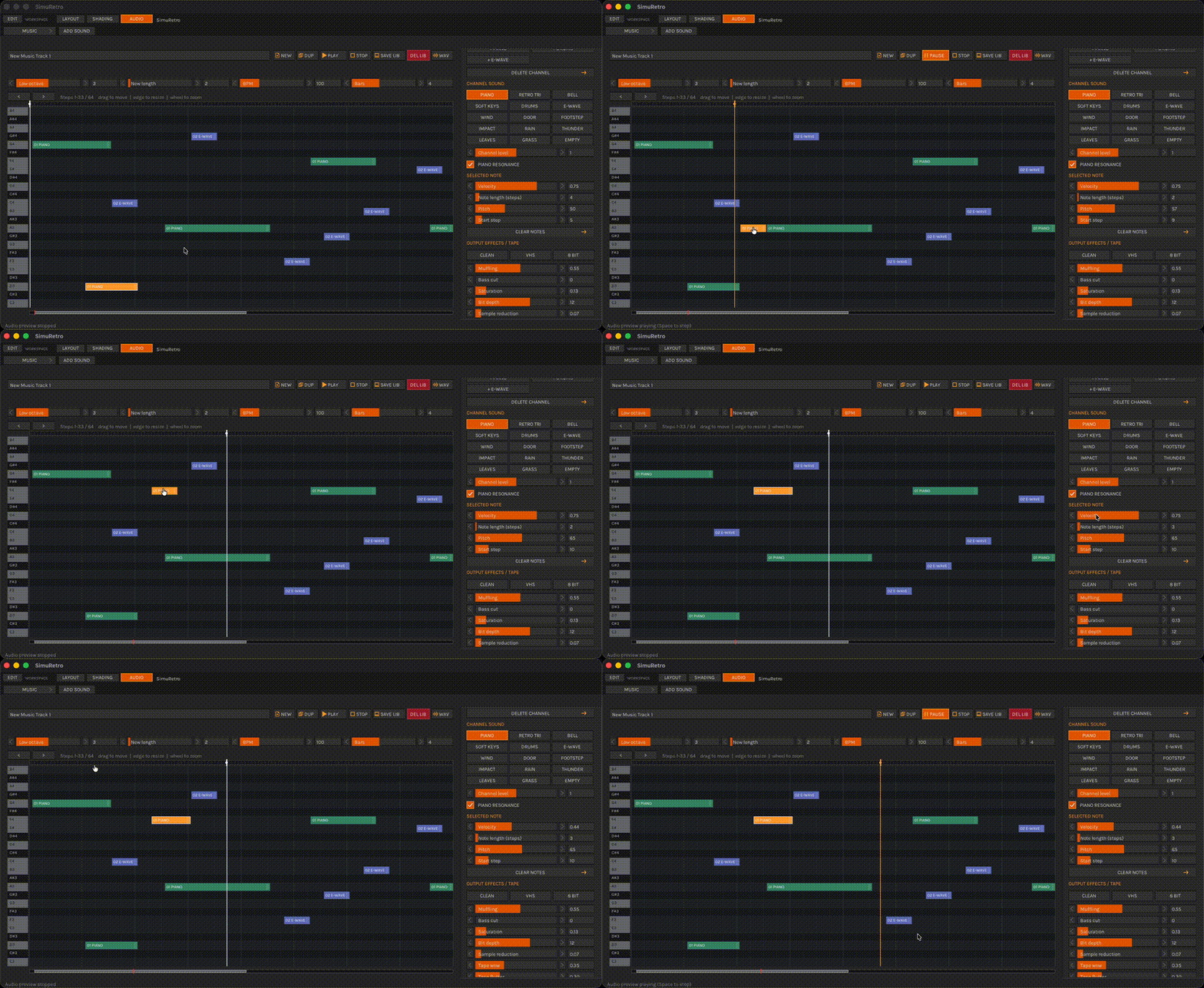
Audio Studio · Instruments, notes and track controls in the Full edition. GIF previews elsewhere on this page are silent.
Try the free Demo or get Full (Beta)
The free Demo lets you edit and save scenes, then preview them in the viewport and timeline. It cannot export files: still PNGs, PNG sequences, MP4 videos, WAV soundtracks, and texture images are all unavailable in Demo. Export is available only in Full. The paid Full edition unlocks more features and higher output limits. Frame96 is currently in beta and in active development: “Full” means the edition with the complete feature set available today, not a finished full release. This is an Early Access beta: unfinished features, bugs and crashes may occur. Try the free Demo before buying and keep backups of important projects. Features and stability may change as development continues. Demo projects can be opened in Full when you want the expanded toolset.
| Feature | Free Demo | Full |
|---|---|---|
| Scene editing, GLB import, lights, water and camera animation | Included | Included |
| Project saving | Included | Included |
| Rendered-file export (still PNG, PNG sequence, MP4, WAV and texture images) | Unavailable | Included |
| Maximum output | 1280 × 720 | 3840 × 2160 |
| Timeline length / frame rate | 240 frames / 30 FPS | 10,000 frames / 120 FPS |
| Particle presets | All seven | All seven |
| Texture Lab and Surface Paint | Full only | Included |
| Audio Studio, spatial sound and WAV soundtrack | Full only | Included |
Demo cannot export rendered files. Opening a Full project in Demo removes unsupported components and applies Demo limits; save the adapted project under a new name to preserve your Full original.
Before you start
- Downloads: separate packages for Windows x86_64, macOS Apple Silicon and macOS Intel.
- Graphics: OpenGL 3.3-compatible hardware and drivers. Windows 10 x86_64 is the minimum tested Windows version; macOS 11 or newer; minimum editor window 1000 × 680.
- Video export: Full includes MP4 encoding; no separate FFmpeg installation or PATH setup is needed. Full MP4s include AAC scene audio when available; Demo cannot export rendered files.
- Mac installation: the apps are ad-hoc signed and are not Apple notarized.
- Platform checks: The editor was tested by the publisher on Apple Silicon, Intel Mac and Windows x86_64. Bundled MP4 export passed focused checks on both Macs; a native Windows MP4 test is not recorded for this update.
Each ZIP includes the Frame96 app, offline user guide, FFmpeg license notices and corresponding source. Extract the complete ZIP before launching the app.
Blender scenes can be imported as glTF 2.0 (.glb) using File → Import Scene. Include image textures and bake procedural materials before export. The included User Guide explains the import steps and limitations; .blend files and Blender shader nodes are not imported directly.
Your scenes. Your work.
Use rendered images, animations, PNG sequences, videos, generated textures, music, sound effects and WAV soundtracks made with Frame96 in personal or commercial creative projects without royalties, subject to the rights in imported third-party material. The application itself remains proprietary.
Made by SimuFlux. For questions or bug reports, leave a comment below with your edition, operating system and the steps needed to reproduce the issue.
Version 1.0.0 · Beta / Early Access · Active development · All screenshots and animated previews on this page come directly from Frame96 Full. No AI-generated or AI-retouched imagery.
macOS first launch
The current Mac beta is ad-hoc signed and is not notarized by Apple, so Gatekeeper may say it cannot check Frame96 for malicious software. Continue only if you downloaded this Mac build directly from this Frame96 itch.io page and accept the risk of running unnotarized beta software. After trying to open it, go to Apple menu > System Settings > Privacy & Security, scroll to Security, choose Open Anyway beside Frame96, then confirm Open. This allows this app only.
Windows first launch
The Windows build is not code-signed. Microsoft Defender SmartScreen may show “Windows protected your PC” or identify Frame96 as an unrecognized app on first launch. Continue only if you downloaded this build from this Frame96 itch.io page and trust the source: choose More info, then Run anyway. If Windows Security, antivirus software, or Smart App Control blocks the app, stop and do not bypass that block.
Purchase
In order to download this tool you must purchase it at or above the minimum price of $4.93 USD. You will get access to the following files:
Download demo
Development log
- Frame96 is now available4 days ago
Leave a comment
Log in with itch.io to leave a comment.